Free Open source · MIT · Windows 10 and 11

Know if an AI model fits your PC before you download it.

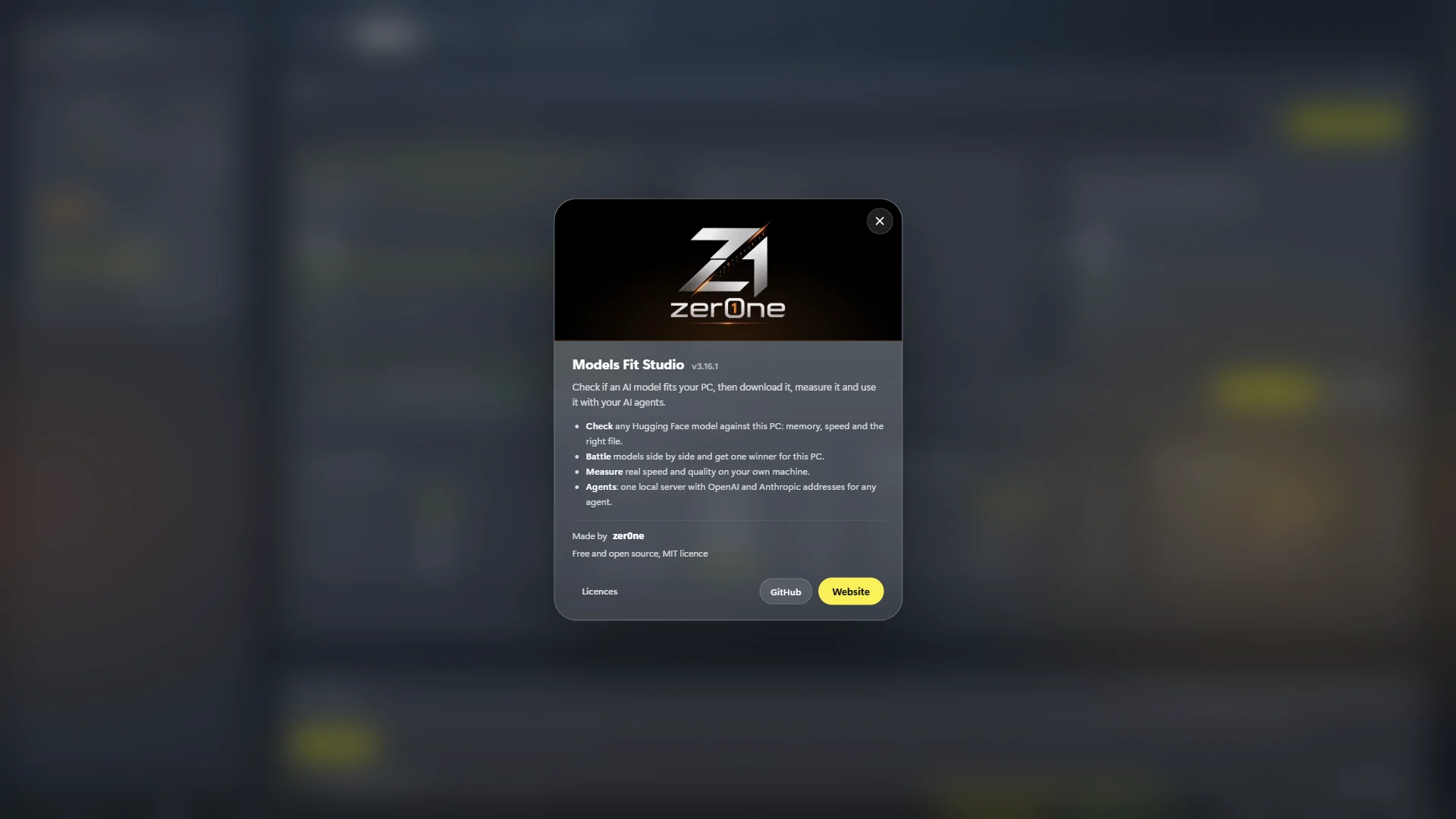
Models Fit Studio scans your hardware, tells you in plain words which local AI model will run well, picks the right file, measures it for real, and serves it to your AI agents.

No accountRuns offlinellama.cpp built inAny GPU, or none
How it works

Four steps, from link to agent

No settings to learn. Paste a model, read the answer, and go.

01

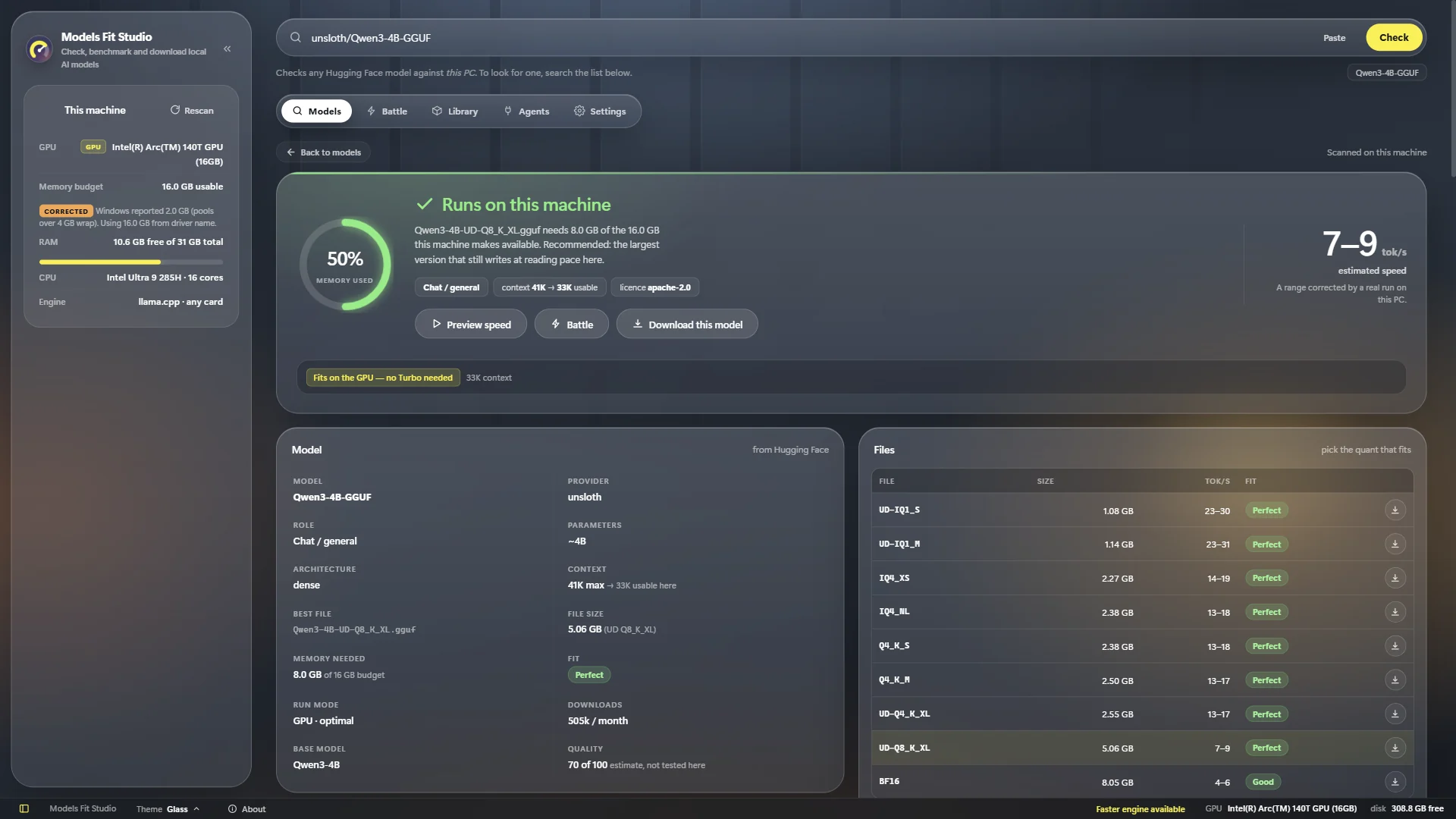
Paste a model link, press Check

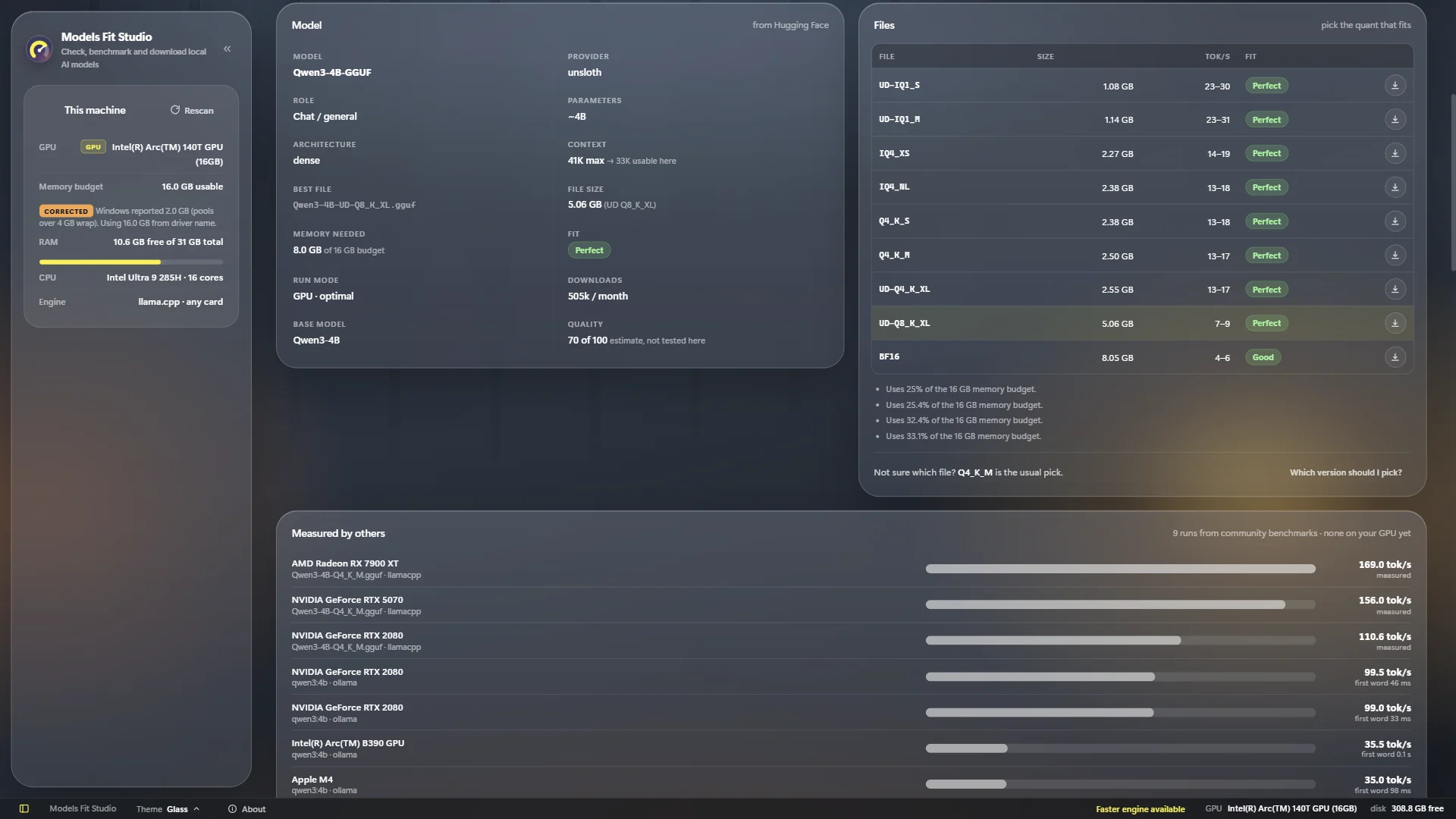
Paste any Hugging Face link or name, like unsloth/Qwen3-4B-GGUF. The app reads your CPU, RAM and graphics chip and answers for this PC.

  • A clear verdict: runs, tight, slower, or won't fit
  • Memory needed and the expected speed range
  • The file to download, picked for you
Check result: Runs on this machine, 50% memory used, 7–9 tokens per second
02

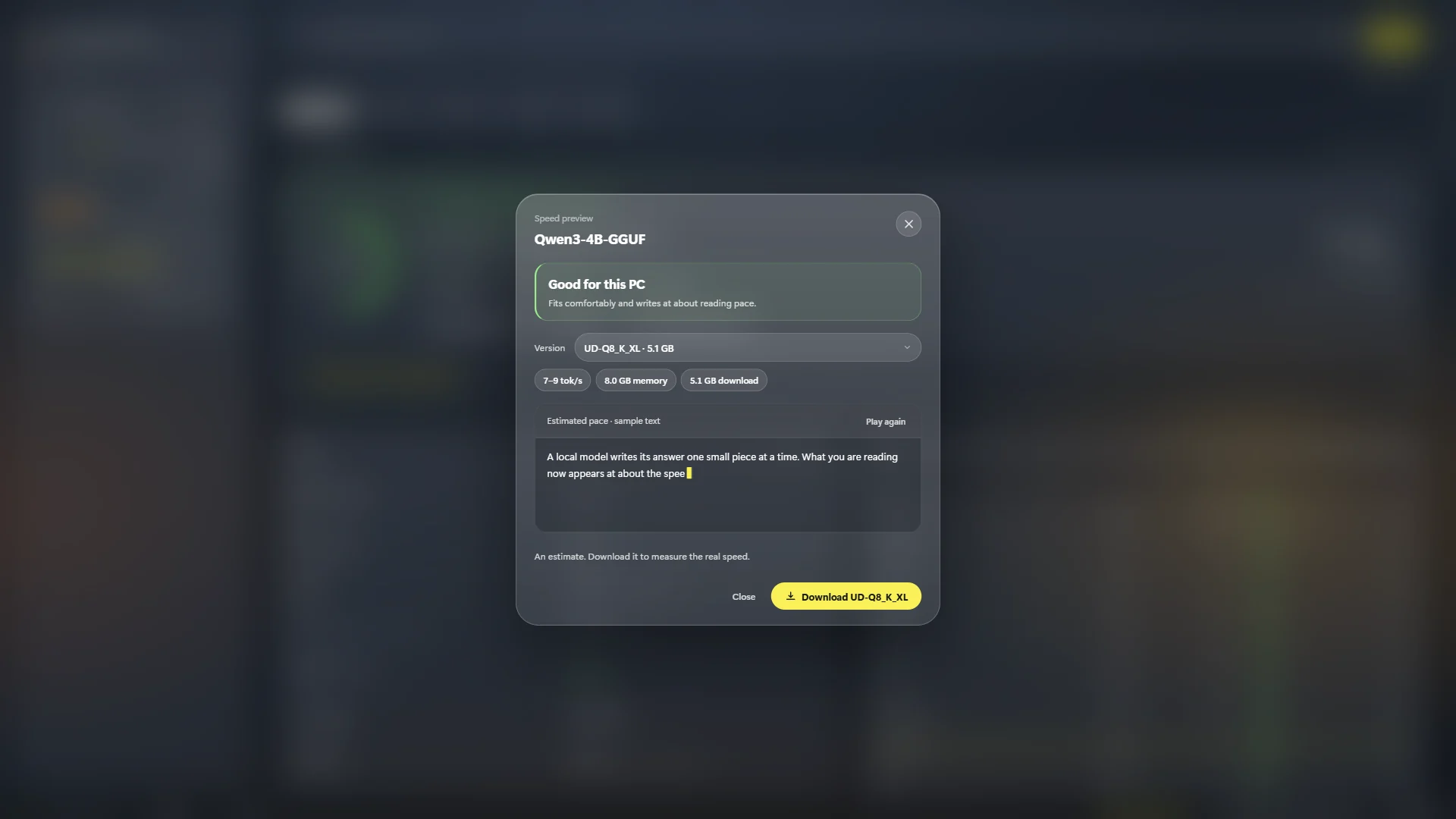
Preview the speed

Feel the speed before you spend the download: a sample answer is typed at the pace the model will reach on your machine.

  • One answer first: perfect, good, tight or slow
  • Switch versions and watch the pace change
Speed preview dialog: Good for this PC
03

Battle models, get one winner

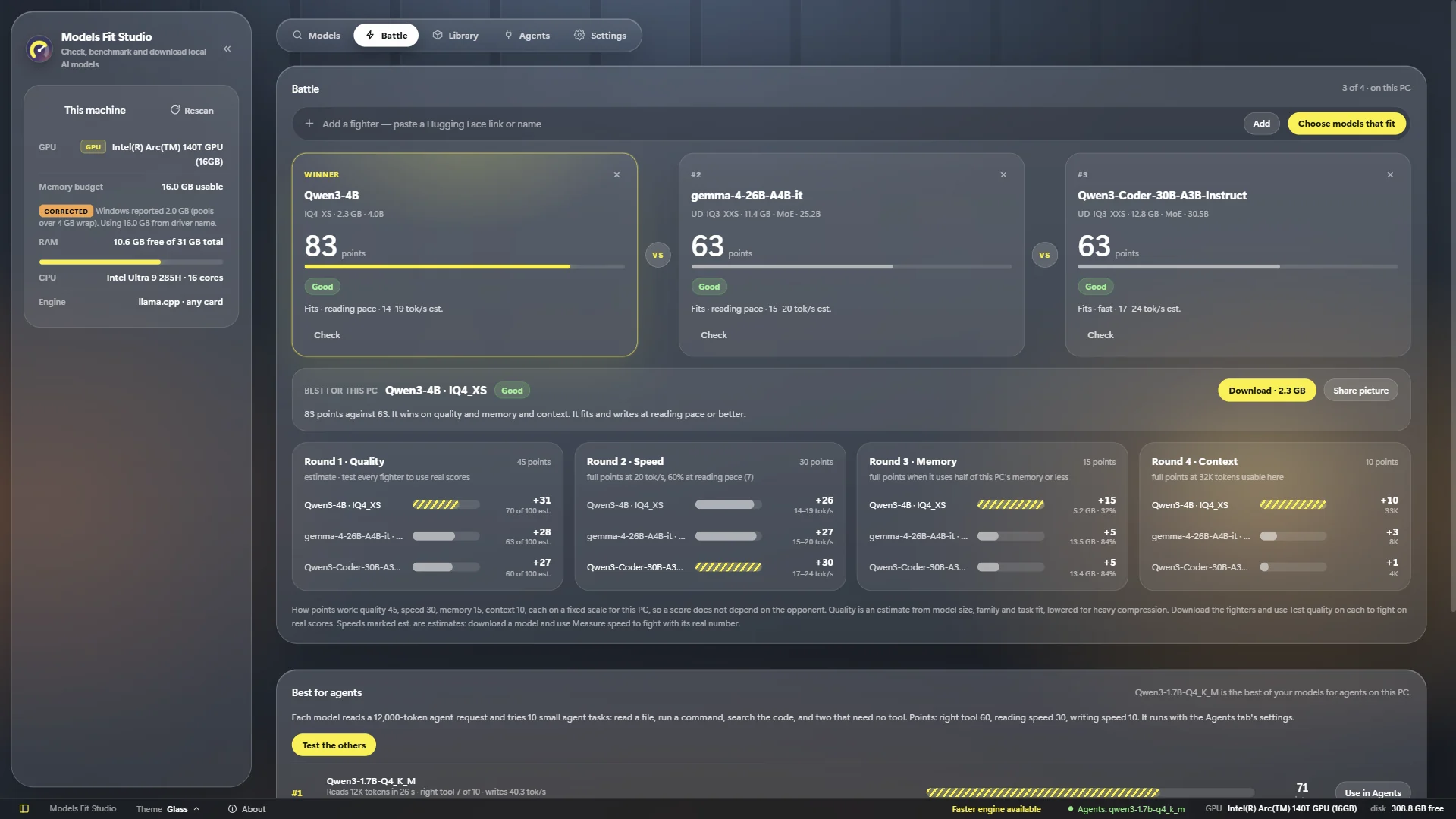
Not sure which one? Put up to four models in a Battle. Each scores points for quality, speed, memory and context on your PC, and one wins.

  • Too-big models still fight, and lose with the reason
  • Download the winner in one click
Battle: Qwen3-4B wins with 83 points against two others
04

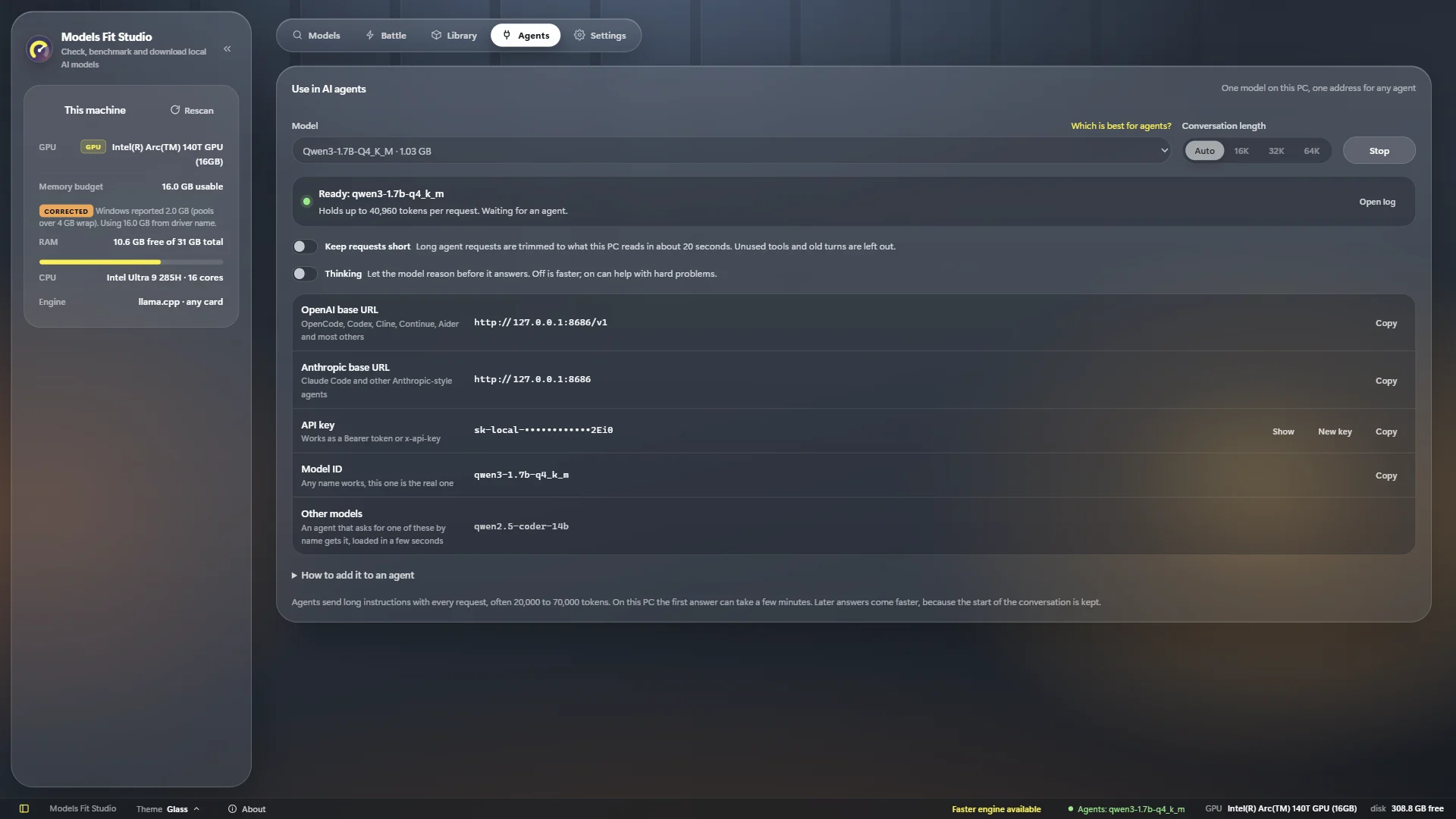
Use it in any AI agent

Open Agents, pick a downloaded model and press Start. Copy the OpenAI or Anthropic address, the key and the model ID into your agent.

  • One local server, all on your PC
  • Long agent requests are trimmed to fit
Agents tab: server ready, with OpenAI and Anthropic base URLs, API key and model ID
Benefits

Stop downloading models that won't run

Most people find out a model is too big or too slow only after a 10 GB download. This app tells you first.

A clear answer

One verdict per model for your exact hardware, not a table to decode.

The right file

Q2, Q4, Q8, F16… the largest version that fits and still writes at reading pace is chosen for you.

Real numbers

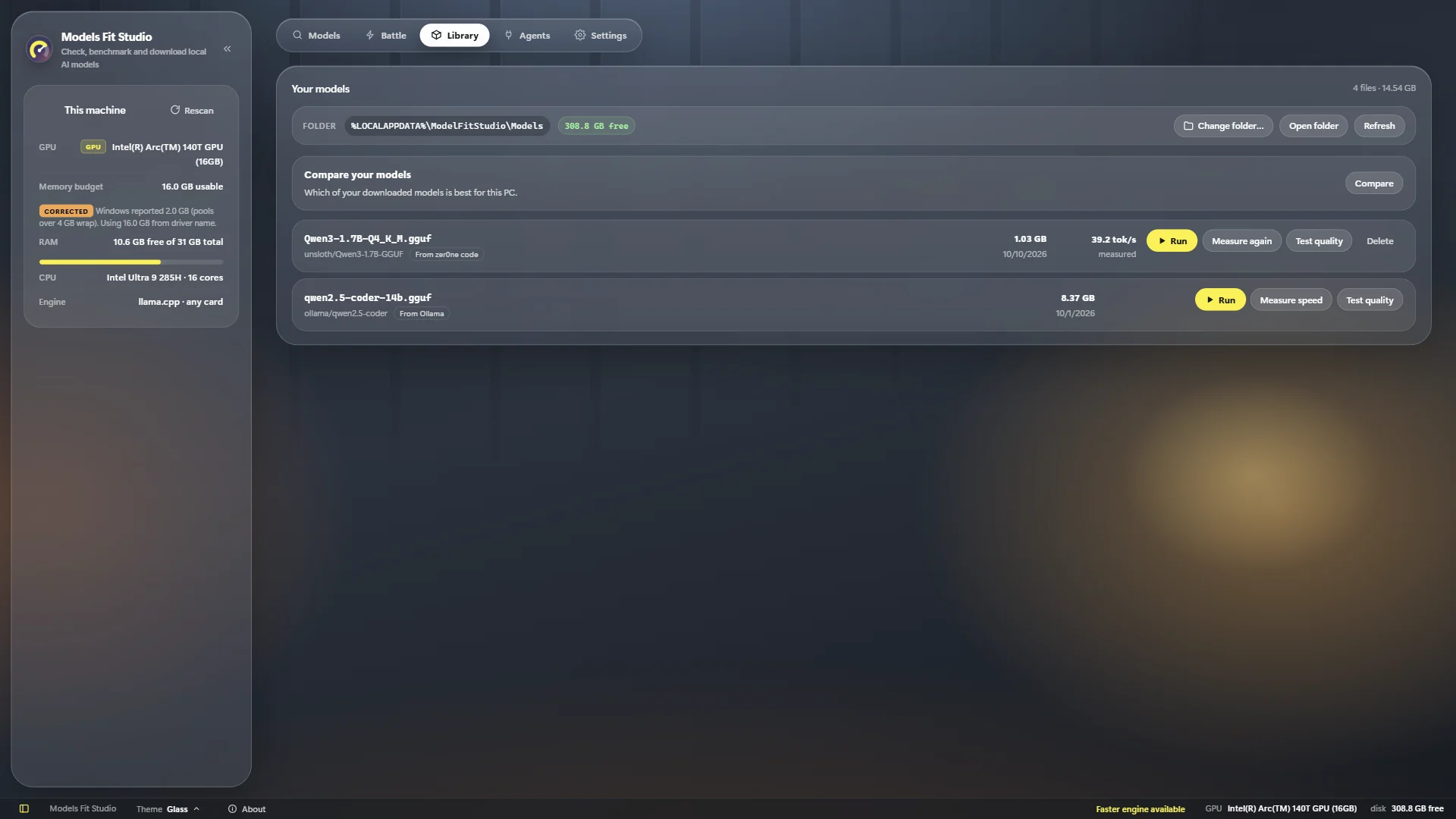
Measure speed and test quality on your own PC. Every later estimate is corrected by what was measured.

Agents included

OpenAI and Anthropic addresses for Claude Code, OpenCode, Codex, Cline, Continue, Aider and more.

Private and offline

Models run on your computer. The llama.cpp engine is built in: nothing else to install.

Any PC

NVIDIA, AMD and Intel graphics, or the processor alone. NVIDIA cards get their own fast engine by themselves.

For AI agents

Your PC becomes the model server

Start a model in the Agents tab and point any agent at it. The app writes the exact settings for you, with your key and model filled in.

Claude CodeOpenCodeCodexClineContinueAiderAny OpenAI-compatible tool

        
Inside the app

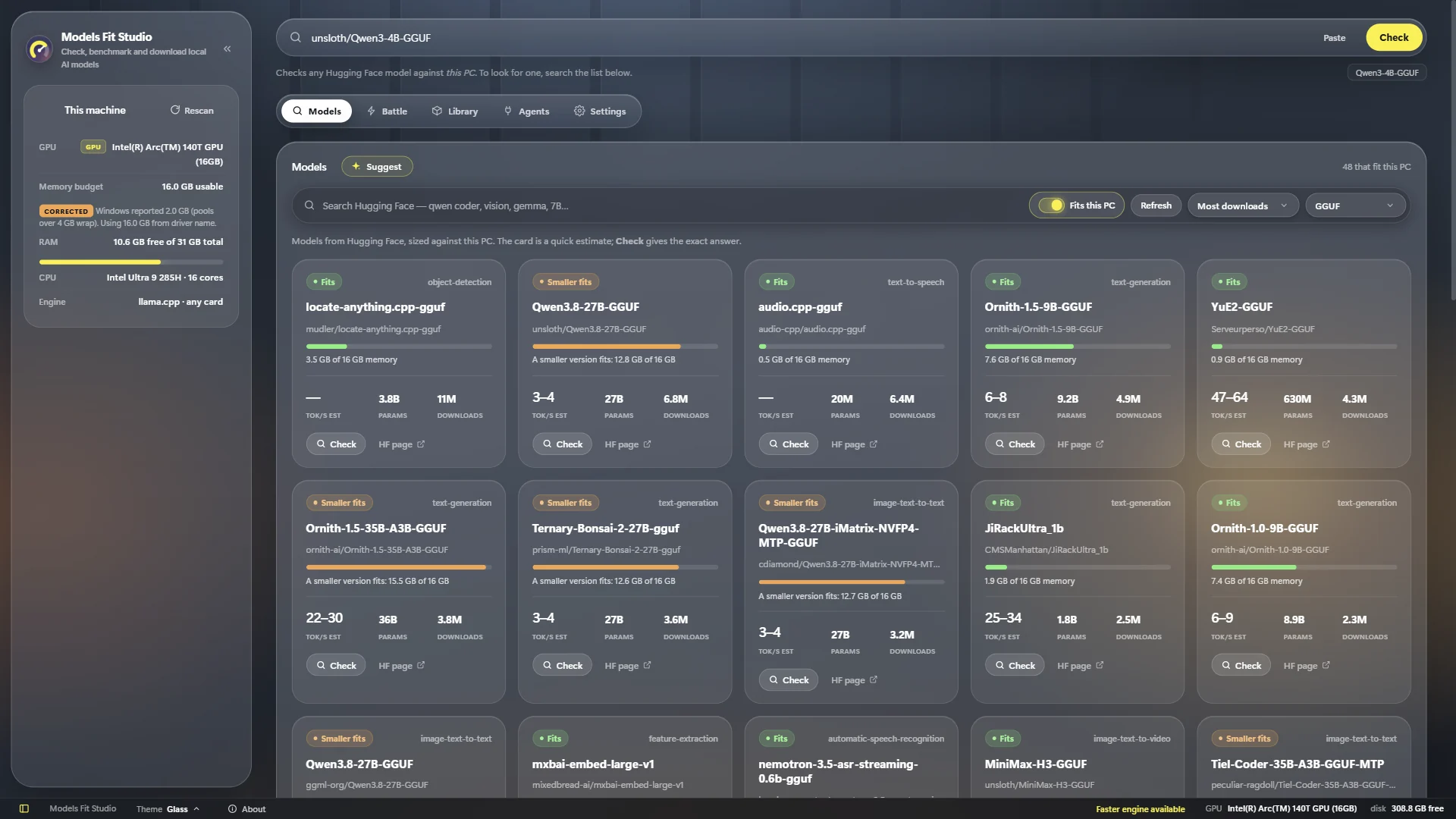
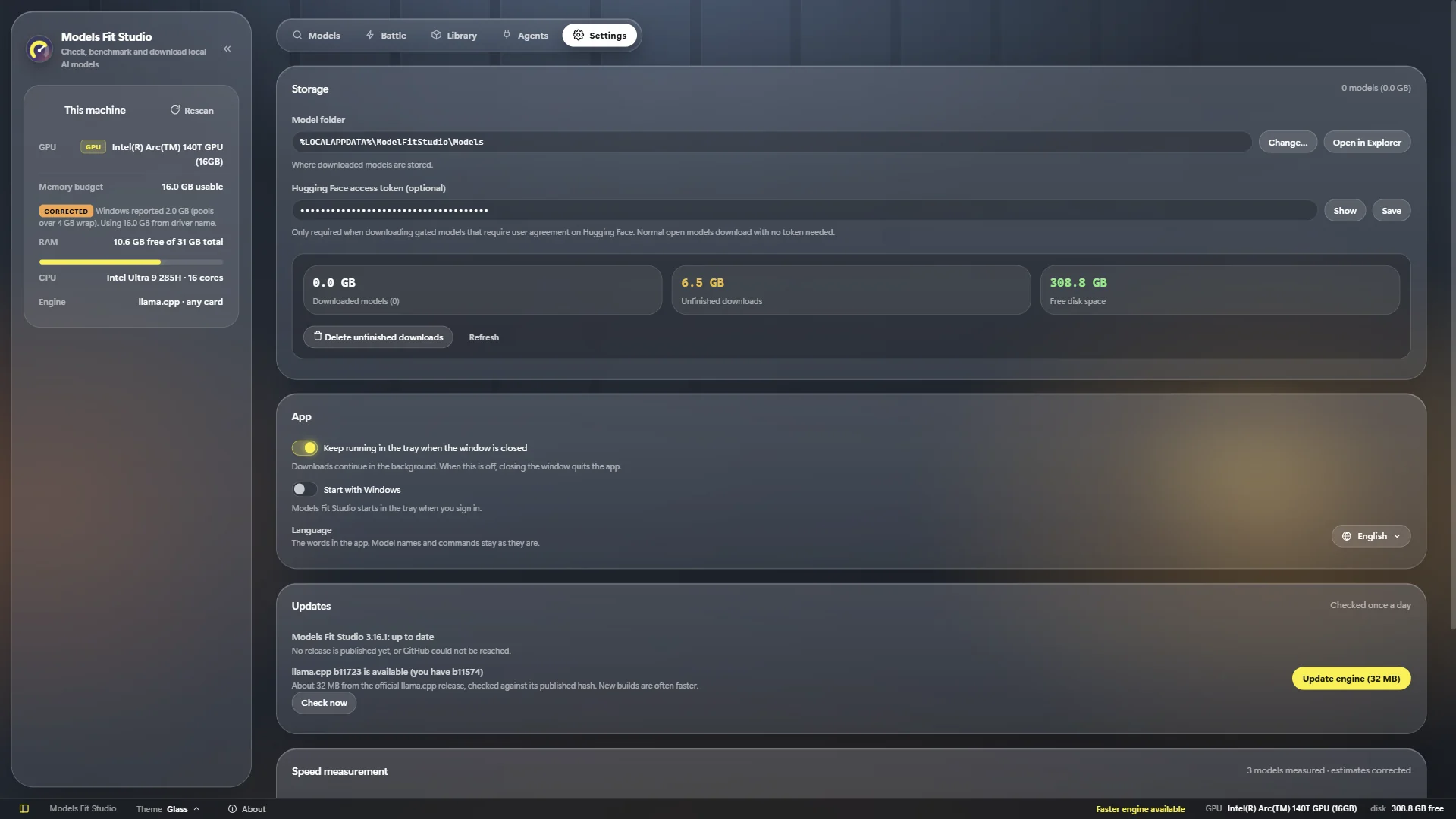
Simple screens, only what matters

Install

Ready in a minute

Download

Get ModelFitStudio-win-x64.zip from the latest release.

Unzip

Anywhere you like, for example C:\Apps\ModelFitStudio. No installer, no admin rights.

Run

Open ModelFitStudio.exe. If SmartScreen warns, choose More info → Run anyway.

FAQ

Questions

Do I need a graphics card?

No. It works with NVIDIA, AMD and Intel graphics, and on the processor alone. It reads how much memory your graphics chip can really use, including chips that share system memory.

Does it send my data anywhere?

No. It talks to Hugging Face to list and download models and to GitHub to check for updates. Nothing about you is shared unless you press a Share button yourself.

How exact are the speeds?

Before a download they are estimates, shown as a range and corrected for your kind of graphics chip. After Measure speed they are real numbers from your PC, and other estimates are corrected by them.

Which models does it support?

GGUF models from Hugging Face, the format llama.cpp runs. For a model without GGUF files the app suggests GGUF copies made by others.

Is it really free?

Yes. It is open source under the MIT licence: free to use, change and share. No account, no ads, no tracking.

Find the model your PC can run

Free for Windows 10 and 11.